Windows 11 Home - Modern Windows for everyday life, gaming, and safer online moments
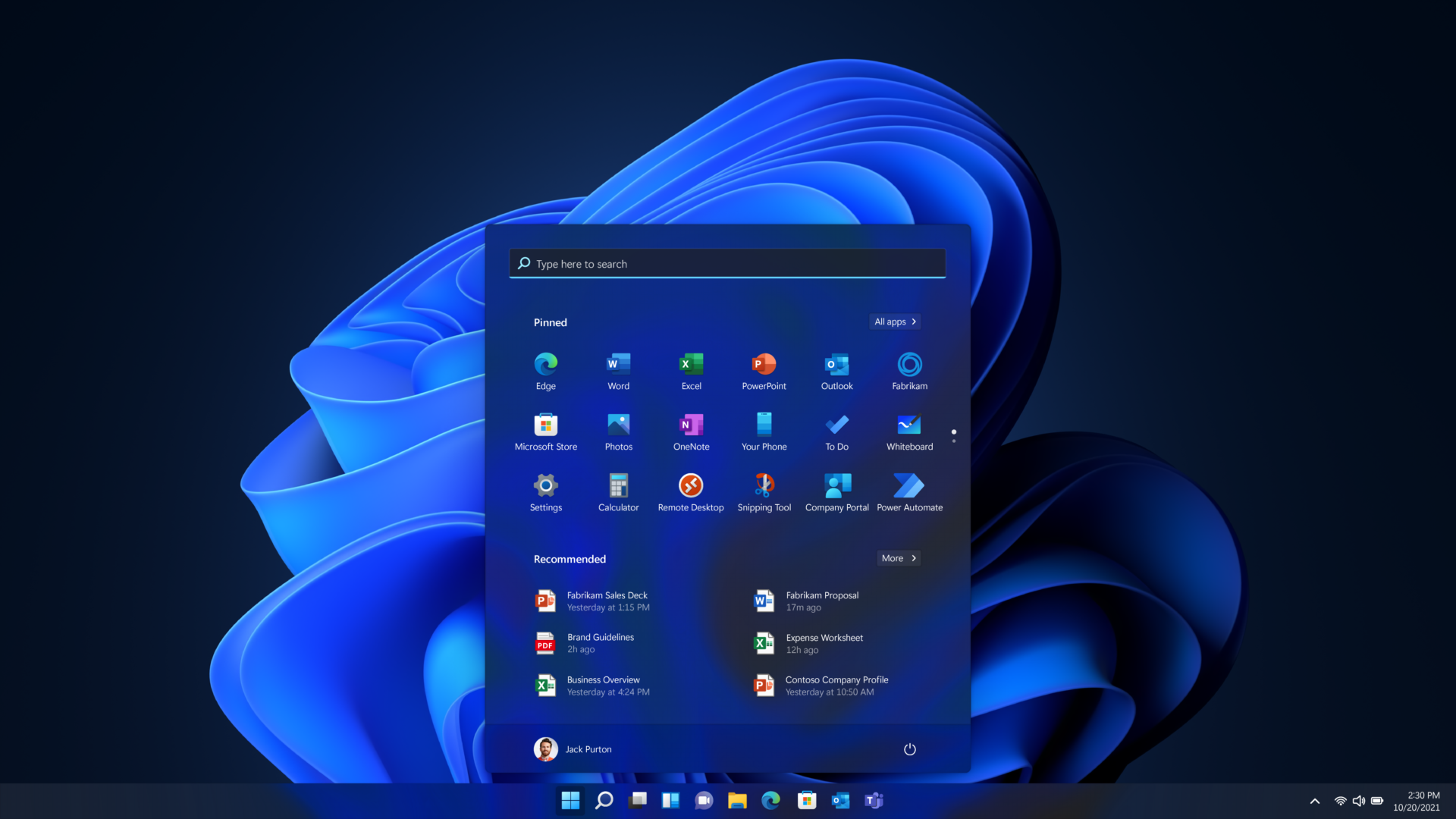
A good operating system should make everyday tasks feel simpler, not more complicated. Windows 11 Home is built around a clearer, more modern interface that helps you start faster, keep your desktop organized, and switch between apps without that constant “Where did that window go?” feeling. It’s an upgrade you notice in small moments: smoother day-to-day flow and a layout that simply feels up to date.
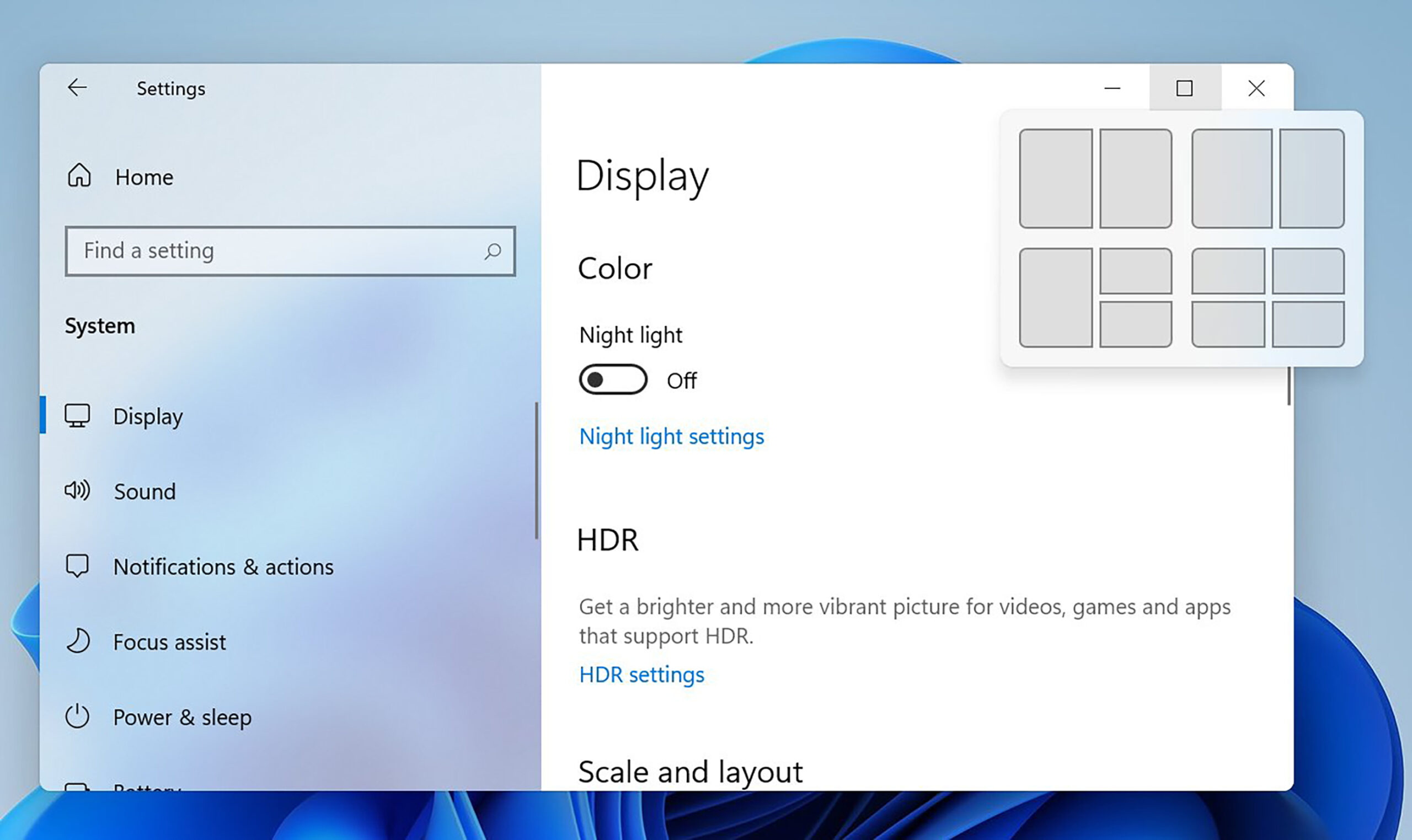
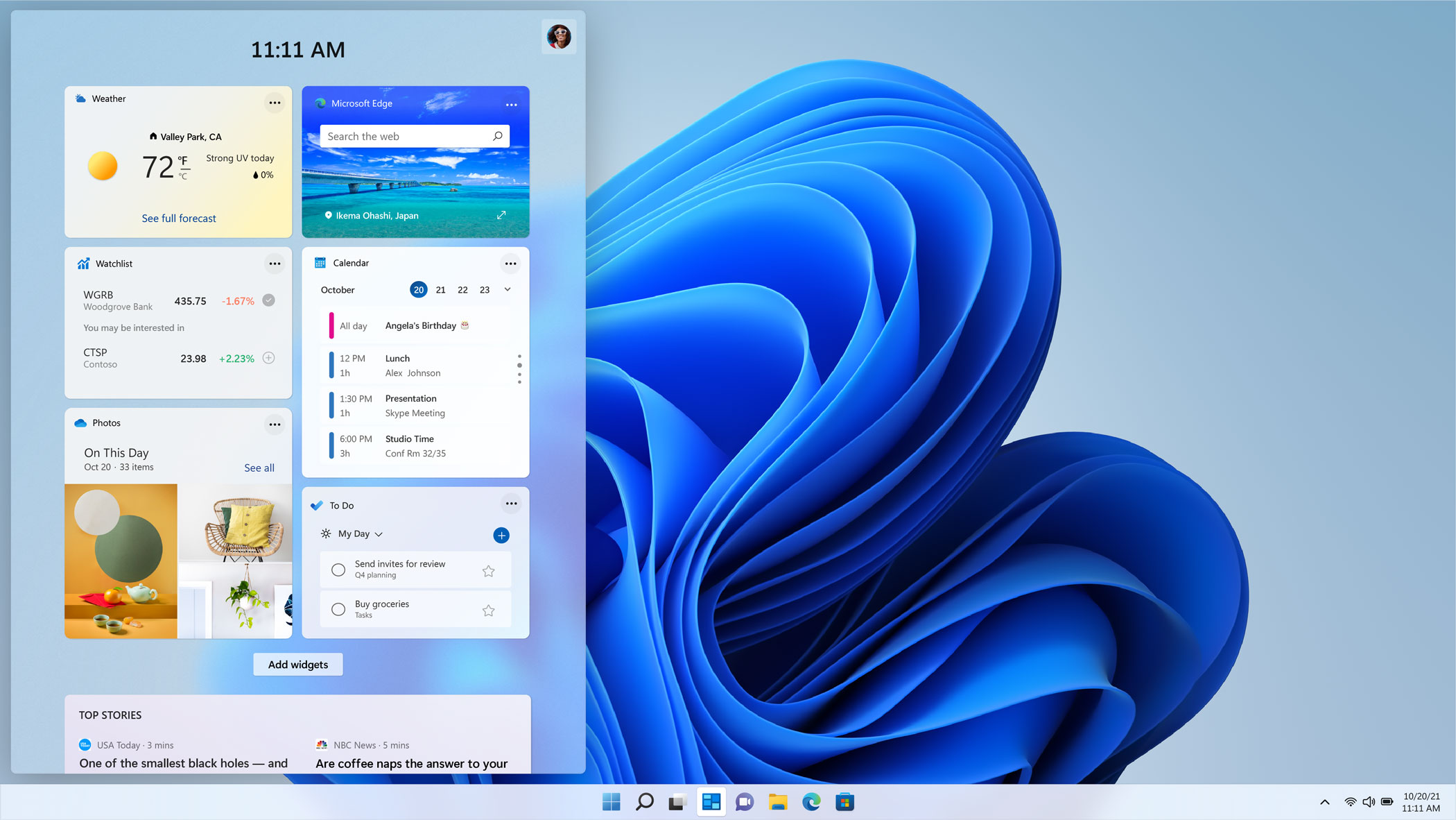
The biggest change is the flow. Features like Snap Assist help you arrange windows quickly and make multitasking feel structured instead of messy. Widgets and other UI updates make it easier to check information at a glance without losing focus. And if you game on PC, Windows 11 also brings improvements like Auto HDR on supported hardware, so the system feels current for both productivity and downtime.
Compared to Windows 10 Home, Windows 11 Home is positioned as the newer experience and requires more modern hardware - including TPM 2.0. That supports stronger built-in protection, but the practical takeaway is simple: Windows 11 is designed for today’s Windows feature set and what we expect from a modern PC.
When you buy Windows 11 Home at SwissSoftware24, you receive your digital product quickly by email, including the activation key and official download link, plus a Swiss invoice that works for bookkeeping. You also benefit from clear processes for private customers and businesses, so activation and setup run smoothly.
Windows 11 Home product for compatible PCs with a modern Windows experience and clear system requirements
Windows 11 Home is Microsoft’s Home edition for compatible PCs. Microsoft lists minimum requirements such as a 64-bit capable processor, UEFI with Secure Boot, and TPM 2.0.
Key features of Windows 11 Home
- Modernized interface and an updated Windows experience
- Snap Assist for quickly arranging windows
- Widgets for quick information at a glance
- Gaming features like Auto HDR on supported hardware
- Home vs Pro: Pro adds additional business-focused features, while Home is designed for everyday use
Notes for Windows 10 users
- Upgrading via Windows Update requires Windows 10 version 2004 or later, and the device must meet Windows 11 requirements.
- Microsoft ended support for Windows 10 on October 14, 2025, which matters for security and feature updates
Internet and account requirements
- For Windows 11 Home, Microsoft requires an internet connection and a Microsoft account during initial setup.
System requirements
- Processor: 1 GHz or faster, 2 or more cores, compatible 64-bit processor or SoC
- Memory: 4 GB
- Storage: 64 GB or larger
- System firmware: UEFI, Secure Boot capable
- TPM: Trusted Platform Module 2.0
- Graphics: DirectX 12 compatible, WDDM 2.0 driver
- Display: larger than 9 inches, 720p, 8 bits per color channel
FAQ
Who is Windows 11 Home for?
For private users who want the Home edition of Windows on a compatible PC - for everyday tasks, school, home office, or gaming. Microsoft defines minimum requirements such as TPM 2.0 and Secure Boot.
What makes Windows 11 Home different from other operating systems?
Microsoft combines a modernized interface with clear hardware requirements like TPM 2.0 and UEFI Secure Boot. It also includes features like Snap Assist and Widgets as part of the Windows 11 experience.
What are the biggest benefits of Windows 11 Home?
A more modern UI, better window management with Snap Assist, and an up-to-date feature set compared to Windows 10. For gaming, Microsoft highlights Auto HDR on supported hardware.
What minimum requirements must my PC meet?
Microsoft lists, among other things, a 1 GHz 2-core 64-bit CPU, 4 GB RAM, and 64 GB storage. UEFI Secure Boot and TPM 2.0 are also required.
Do I need a Microsoft account for setup?
Yes. Microsoft states that Windows 11 Home requires internet and a Microsoft account during initial setup.
Can I upgrade from Windows 10 to Windows 11 Home?
Yes, if your device meets the requirements and Windows 10 version 2004 or newer is installed. Microsoft also notes that Windows 10 support ended on October 14, 2025.
What’s the difference between Windows 11 Home and Pro?
Microsoft describes Pro as the variant with additional, more business-oriented features, while Home is designed for everyday use.
These Windows alternatives might also fit you
Windows 11 Pro wenn du zusätzliche Profi-Funktionen brauchst – z.B. BitLocker, Remote Desktop (Host), Domänenbeitritt und mehr Kontrollmöglichkeiten für Updates
Windows 11 Home OEM wenn du Windows 11 Home für einen bestimmten PC suchst und eine OEM-Version für die Erstinstallation am Gerät für dich passt
Windows 10 Home wenn du einen älteren PC hast oder maximale Kompatibilität mit älterer Hardware/Software willst und Windows 11 dort nicht ideal läuft
You can find more information about this product here.


 German
  English
  French
  Italian