Microsoft 365 Business Standard - Office apps plus business email and 1 TB cloud storage per user
In small and mid-sized teams, the biggest friction points are often not dramatic. Files sit in personal inboxes, decisions happen across too many chats, and in the end someone still asks: “Which version is the current one?” Microsoft 365 Business Standard helps reduce exactly this kind of chaos by bringing apps, email, calendar, files, and collaboration into one consistent working setup.
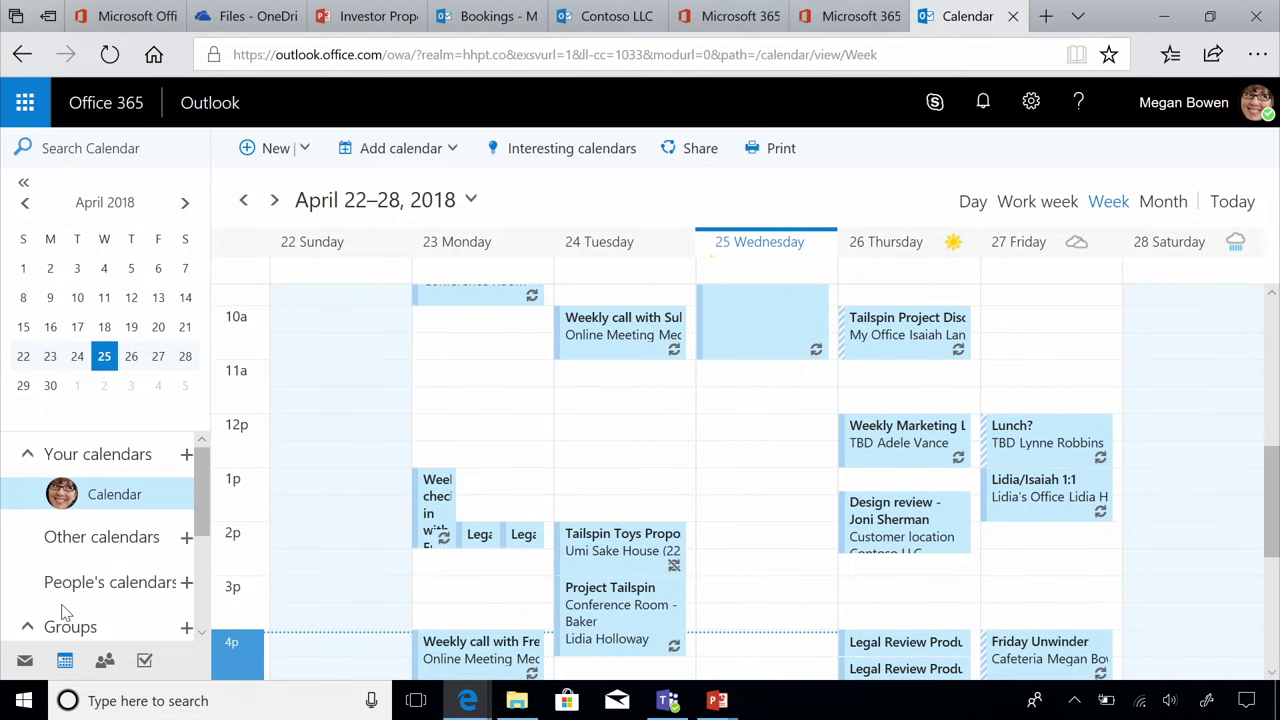
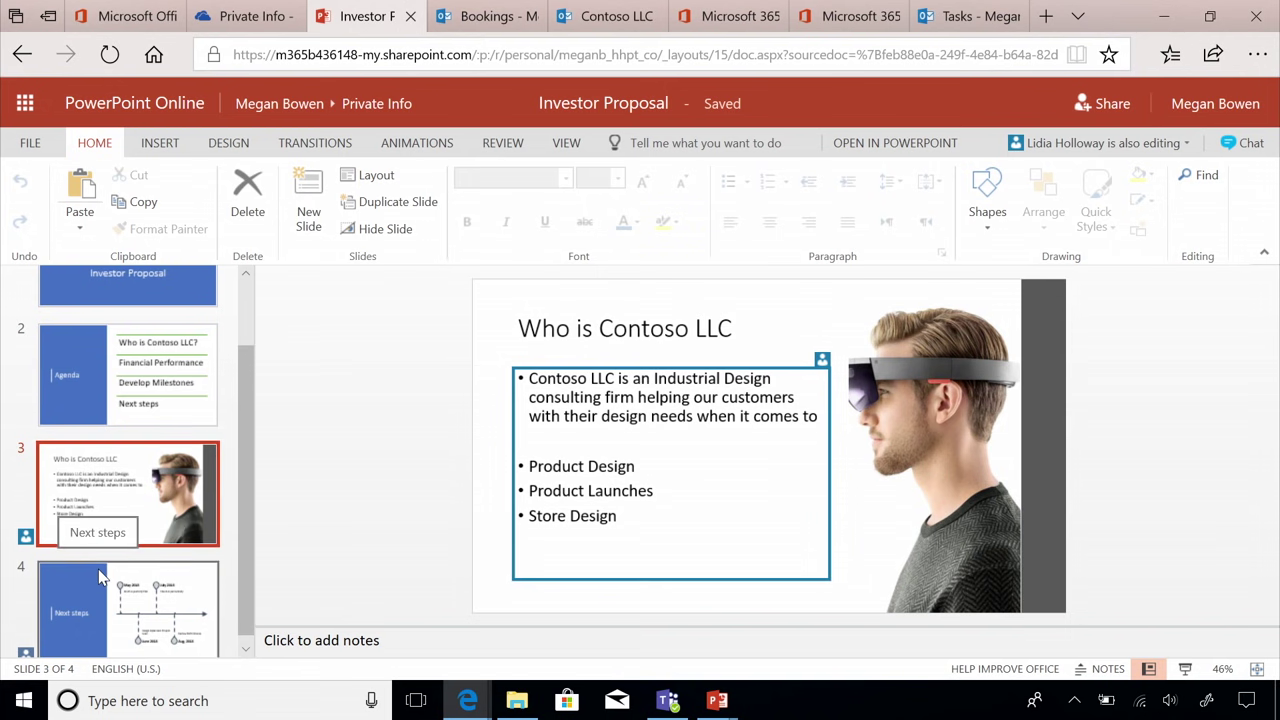
You feel the difference in daily work: you use installable Office apps, run professional business email, share files in a controlled way via cloud storage and team sites, and coordinate meetings and collaboration centrally. That leads to cleaner handovers, faster onboarding for new employees, and fewer follow-up questions because information is stored where everyone expects it.
Microsoft 365 Business Standard is today’s name for the former Office 365 Business Premium. The name stands for a more modern bundle of Office apps and cloud services, so you don’t have to stitch together multiple separate tools.
When you buy Microsoft 365 Business Standard at SwissSoftware24, you receive your digital product quickly, including the activation key, the official download link, and a Swiss invoice that meets MWST/VAT requirements. You also benefit from a clear process for both private and business customers, so activation and setup run smoothly.
Microsoft 365 Business Standard product for companies up to 300 users with Office apps, business email and cloud collaboration
Microsoft 365 Business Standard is a subscription product for companies with a maximum of 300 users. It combines installable Office apps with cloud services such as business email, OneDrive, SharePoint and Teams, where the availability of Teams can vary by version and region.
What is included in Microsoft 365 Business Standard?
Typical components and services:
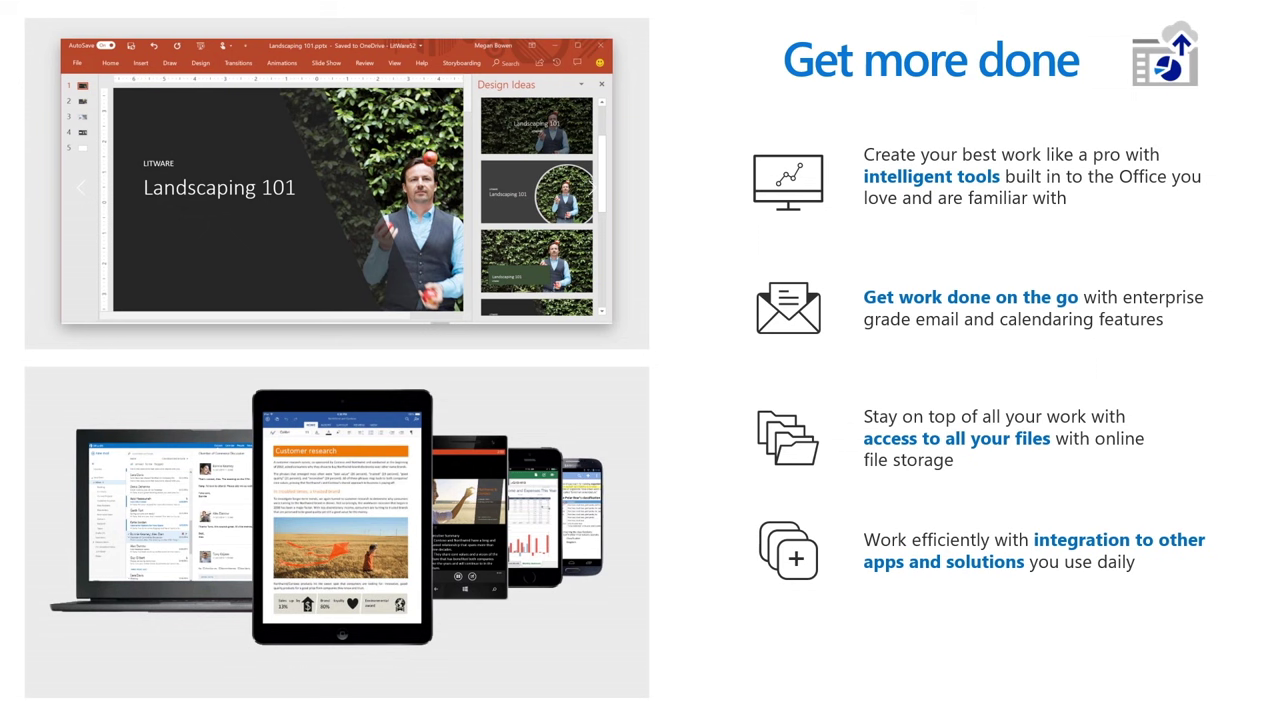
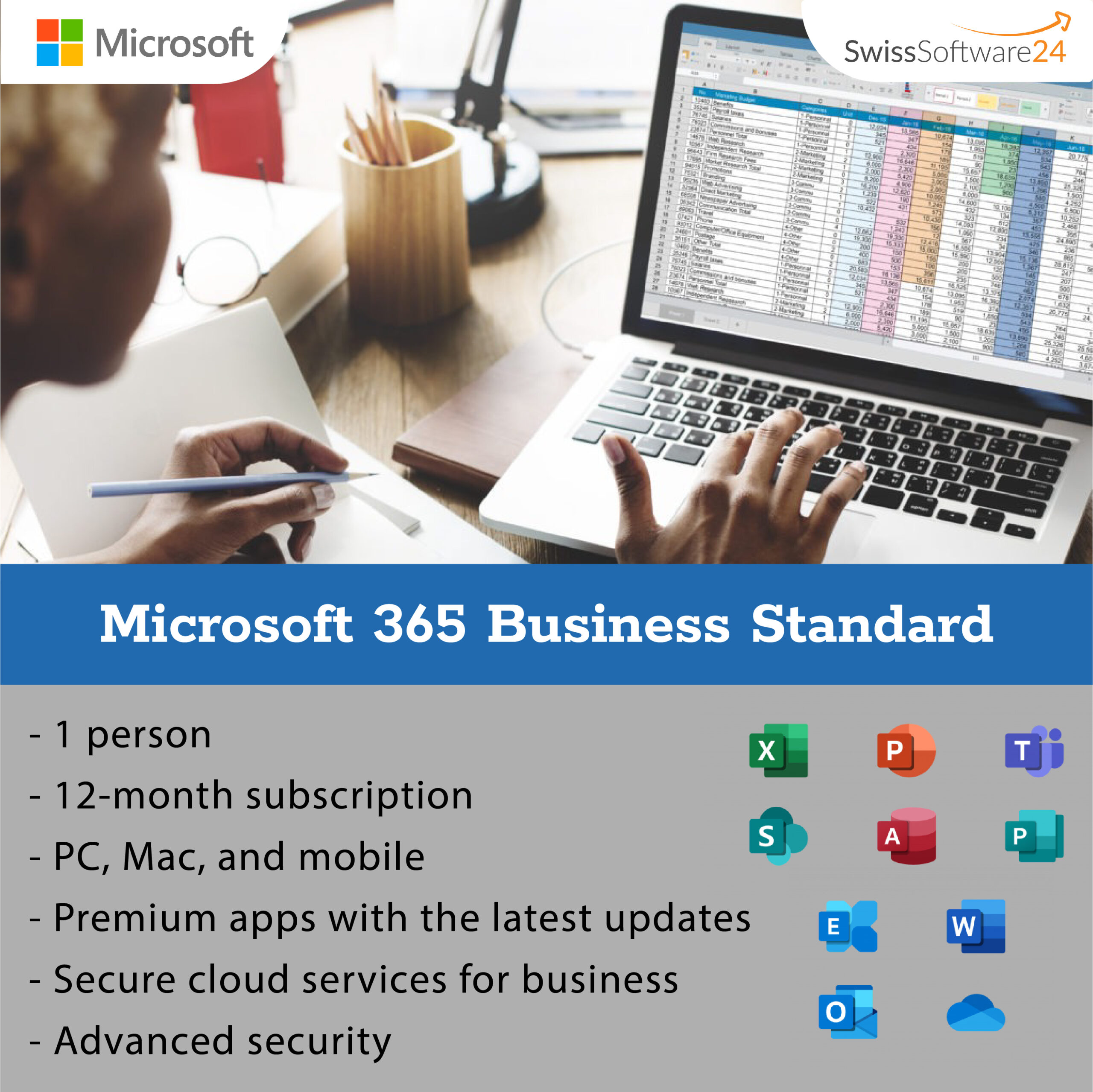
- Installable desktop apps plus web and mobile apps, including Word, Excel, PowerPoint and Outlook
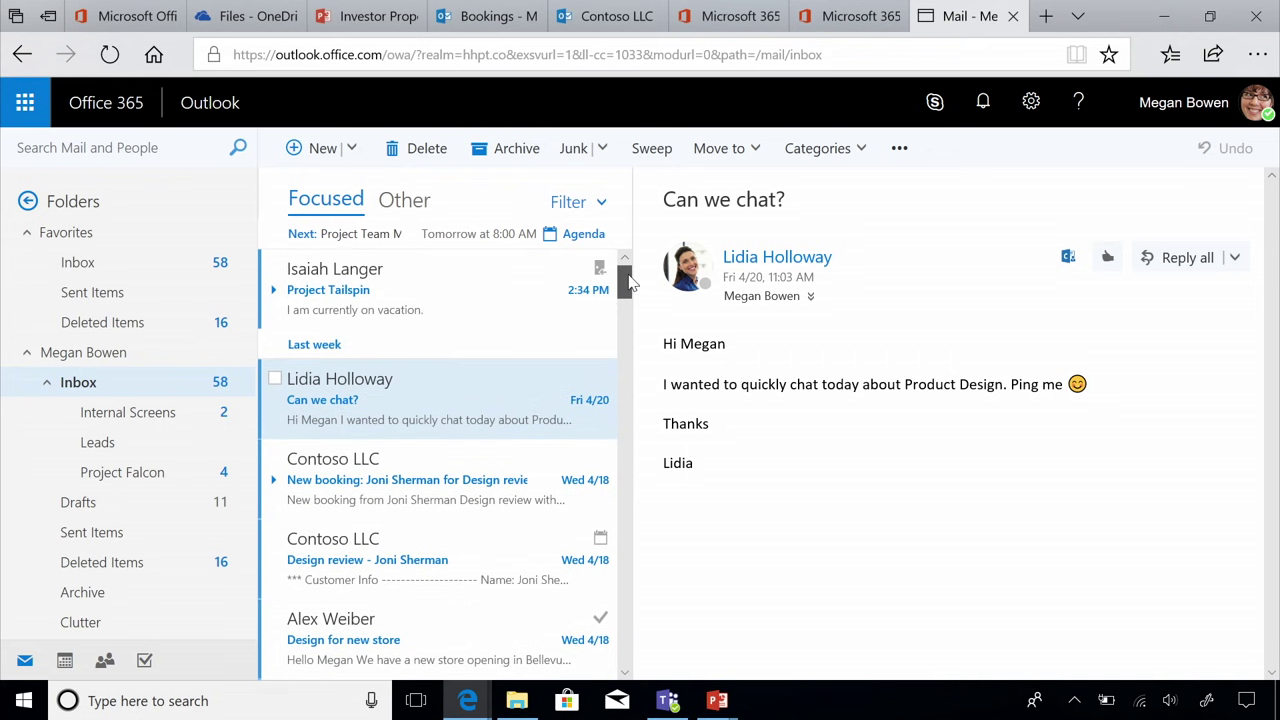
- Business email and calendar via Exchange Online, according to Microsoft including Exchange Online Plan 1
- OneDrive cloud storage and SharePoint Online for file storage and team sites
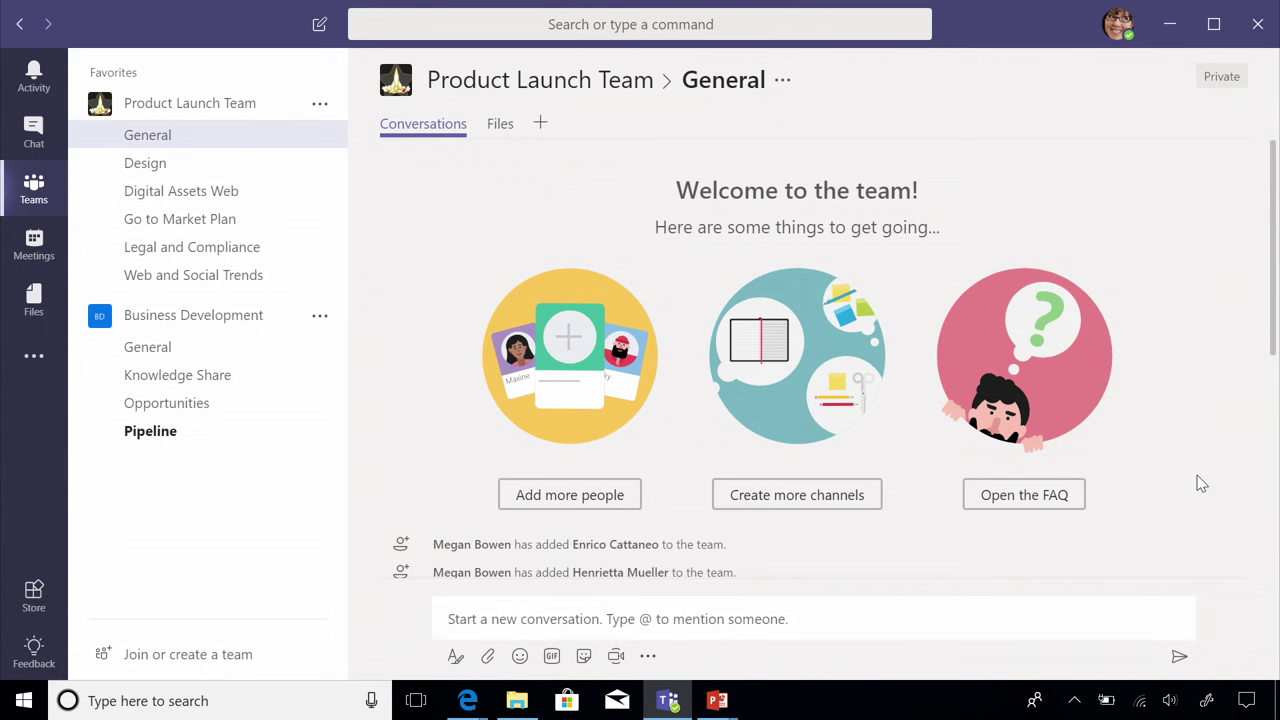
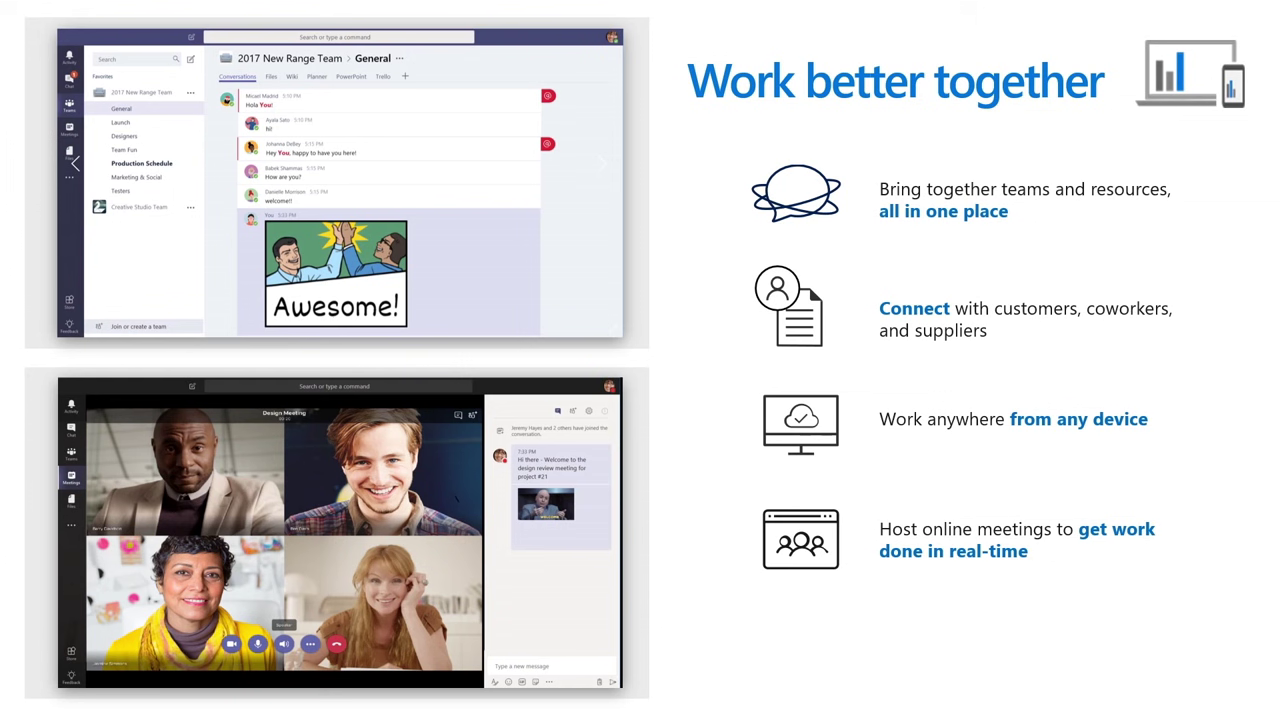
- Microsoft Teams for chat and meetings, depending on the SKU (there is also a “no Teams” version)
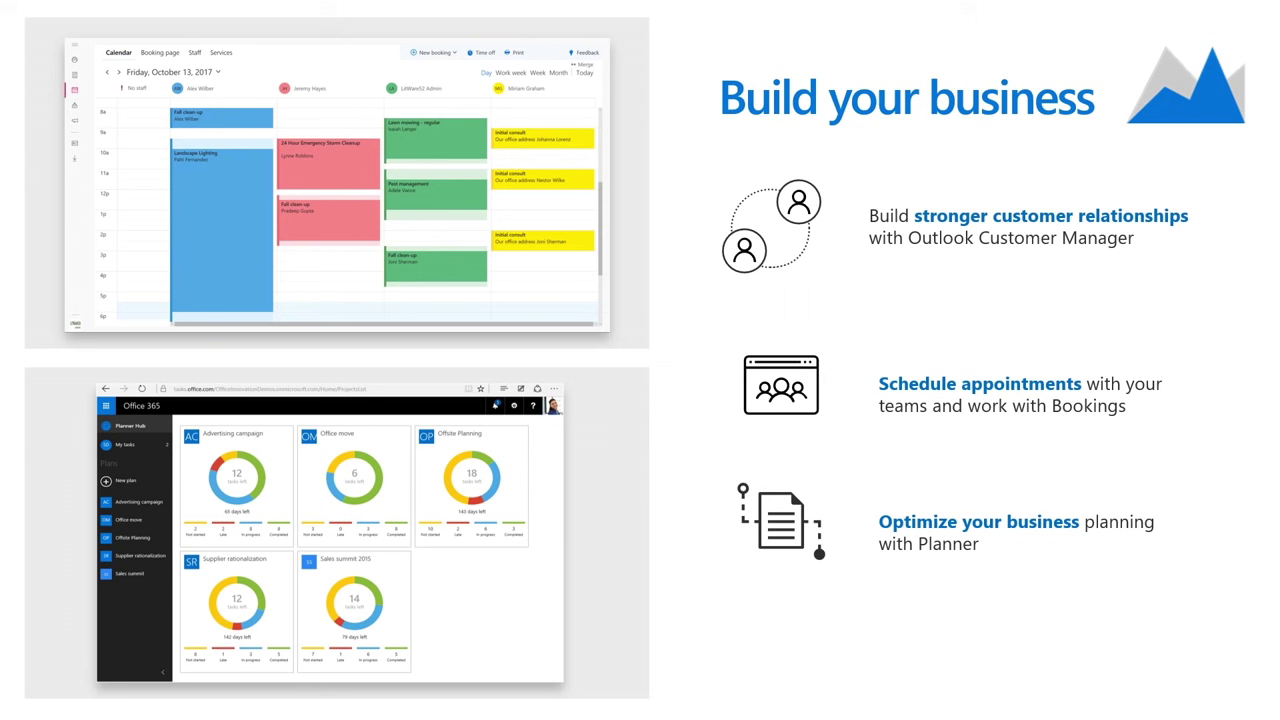
- Additional apps such as Loop, Clipchamp, Bookings, Planner and Forms (depending on plan scope)
Exchange Online, mailbox size and business email
- In Microsoft’s plan options, “Exchange Online” is included in Microsoft 365 Business Standard, with a reference to Exchange Online Plan 1
- For Exchange Online Plan 1, Microsoft states a 50 GB primary mailbox plus a 50 GB archive and messages up to 150 MB
Microsoft Teams and the “Business Standard (no Teams)” version
- Microsoft lists Microsoft 365 Business Standard (no Teams) as a separate version alongside Business Standard
- For new business customers in the EEA and Switzerland, Microsoft states there are choices between versions with Teams and EEA versions without Teams
- From April 1, 2024, Microsoft also announced it would introduce commercial suites without Teams in regions outside the EEA and Switzerland
Who is this plan suitable for?
Microsoft 365 Business Standard is a good fit if you:
- want to use professional email addresses with your own domain
- need Office apps as desktop installations plus web and mobile apps
- want to structure file storage and collaboration via OneDrive and SharePoint
- want to use meetings, chat and collaboration via Teams (depending on the chosen version)
- stay within the limit of a maximum of 300 users
System requirements (Windows, Mac, Android, iOS)
Windows
- Operating system: Windows 11 (Microsoft also mentions Windows Server 2025 or Windows Server 2022 for Microsoft 365 Apps support scenarios)
- Processor: 1.6 GHz or faster, 2 cores (2.0 GHz recommended for Skype for Business)
- RAM: 4 GB (2 GB for 32 bit)
- Disk space: 4 GB available
- Display: 1280 x 768
- Graphics: hardware acceleration requires DirectX 9 or later
- Browser for web apps: current version of Microsoft Edge, Safari, Chrome or Firefox
- Internet connection: required for internet features, activation and cloud features
- .NET: some features require .NET 3.5 or 4.6+, Teams requires 4.6+
macOS
- OS: one of the three most recent versions of macOS
- CPU: Intel processor
- Memory (RAM): 4 GB
- Disk space: 10 GB available, HFS+ or APFS (updates may require additional space)
- Display: 1280 x 800
- Browser for web apps: current version of Microsoft Edge, Safari, Chrome or Firefox
- Internet connection: required for internet features and cloud features
Android
- OS: last 4 major versions of Android
- CPU: ARM based or Intel x86
- RAM: 1 GB
iOS
- OS: the 2 most recent versions of iOS
FAQ
Who is Microsoft 365 Business Standard for?
Microsoft 365 Business Standard is for organizations that want to bundle Office apps, business email and cloud collaboration in one subscription. Microsoft states a maximum of 300 users.
What makes Microsoft 365 Business Standard different from other productivity products?
It combines installable Office apps with services like Exchange Online, OneDrive and SharePoint. That way it covers email, files and collaboration in one package.
What are the most important benefits of Microsoft 365 Business Standard?
Key benefits are the desktop apps plus web and mobile use, business email via Exchange Online Plan 1 and cloud storage per user. SharePoint team sites are included, and Teams can be part of the plan depending on the SKU.
How large is the mailbox in Microsoft 365 Business Standard?
Microsoft 365 Business Standard includes Exchange Online Plan 1. Microsoft states a 50 GB primary mailbox plus a 50 GB archive.
Is Microsoft Teams included?
In Microsoft’s plan options, Teams is listed for Business Standard in general. However, Microsoft also offers a Business Standard (no Teams) version, and in the EEA and Switzerland there are versions with Teams or without Teams.
What system requirements apply for using the apps?
Microsoft publishes a system requirements overview for Business, Education and Government. It includes, for example, Windows 11, 4 GB RAM (2 GB for 32-bit), 4 GB free storage on Windows, and the “three latest macOS versions” rule.
What is the older name of Microsoft 365 Business Standard?
Microsoft announced that Office 365 Business Premium was renamed to Microsoft 365 Business Standard. The functional focus remains Office apps plus cloud services.
You might also like these Microsoft 365 options
Microsoft 365 Single if you need Office apps + 1 TB OneDrive for 1 person (PC/Mac and mobile) – simple and straightforward.
Microsoft 365 Family if you want Office apps + 1 TB OneDrive for up to 6 people (PC/Mac and mobile) – ideal for a household.


 German
  English
  French
  Italian