

- Immediate delivery by email*
- 100% money-back guarantee
- Certified Swiss online shop
- Purchase on invoice
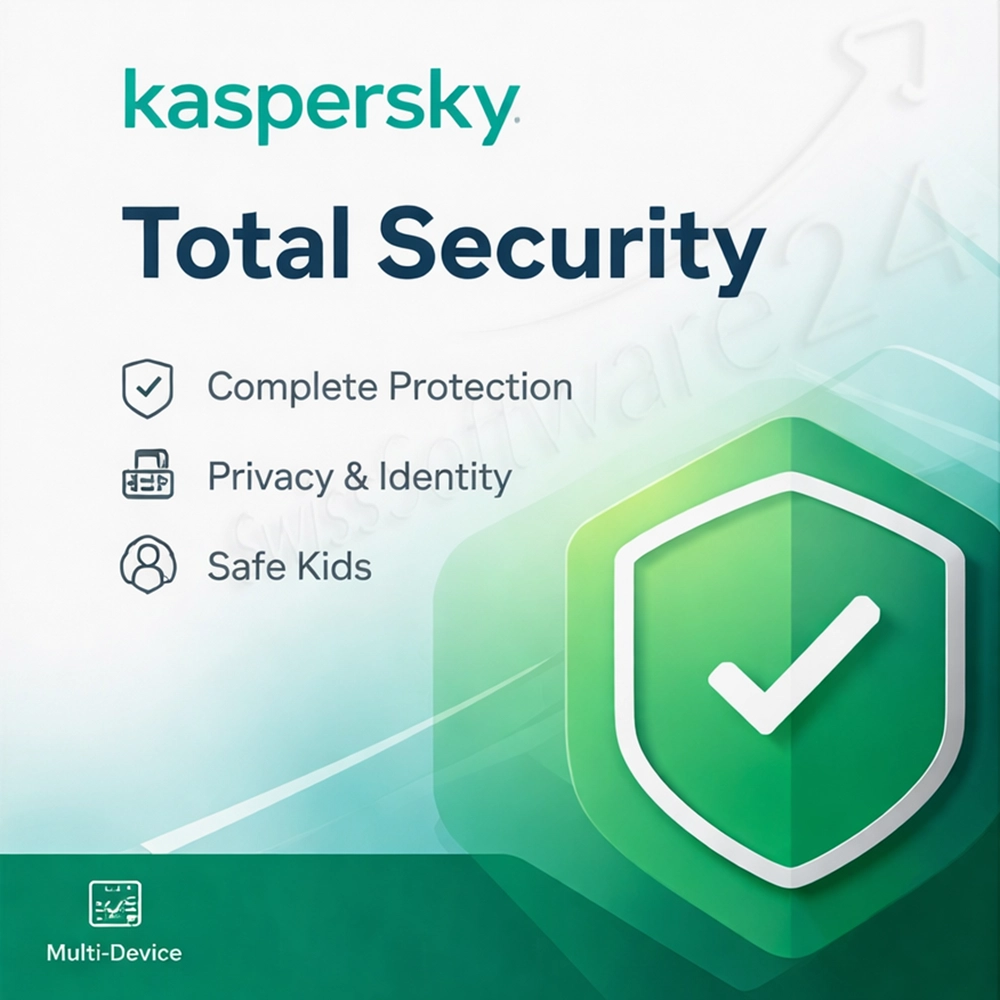

If you are not just protecting “a laptop” but your entire digital life - passwords, payments, photos, children’s devices and the shared Wi-Fi - a basic antivirus solution quickly starts to feel too limited. Kaspersky Total Security was built exactly for that: a classic all-in-one suite with real-time protection, protection while browsing and paying online, plus additional privacy and family features.
In everyday life, this mainly reduces the mental load. Instead of piecing together several tools for password hygiene, secure checkouts and parental controls, you have one clear security standard that you can maintain consistently across the household. That helps reduce common weak points such as reused passwords, risky sessions on public Wi-Fi or careless clicks.
Kaspersky also communicates clearly that Total Security has been replaced by the new plan structure - and that the new Premium plan is the evolution of the former top-tier offering.
When you buy Kaspersky Total Security from SwissSoftware24, you receive your digital product quickly by e-mail, including the activation key and official download link, as well as a Swiss invoice suitable for accounting. In addition, you benefit from clear processes for private users and businesses, so activation and setup run smoothly.
Kaspersky Total Security is a classic consumer suite that combines several layers of protection: real-time defence against threats, protection while browsing and paying online, plus additional features focused on privacy and family use. Kaspersky also points out that Total Security has now been replaced by the new plans Standard, Plus and Premium.
Financial data is a favourite target for phishing and manipulated websites. Payment and banking protection is designed to secure precisely these sensitive moments more effectively - checkout, online banking and payment pages.
When travelling, in a café or at a hotel, a VPN is the “standard layer of protection” for connections you do not control. Total Security is promoted with “Unlimited Superfast VPN” as part of the package.
Safe Kids is aimed at practical parental functions such as filters, screen-time management and further protection options, depending on device and platform. In Total Security communication, Safe Kids is highlighted as an included feature or bonus.
Kaspersky answers this directly on the official website: Total Security has been replaced by Kaspersky Standard, Kaspersky Plus and Kaspersky Premium.
Kaspersky describes an official path for switching from Total Security to Kaspersky Plus - by installing the new app and activating it with the existing code.

Who is Kaspersky Total Security for?
For households or users who want classic all-round protection: device protection plus payment, privacy and family features in one suite.
Is Kaspersky Total Security still officially available?
Kaspersky states that Total Security has been replaced by Standard, Plus and Premium.
What is the successor option today?
For Total Security licences that have not yet expired, Kaspersky offers a free switch to Kaspersky Plus. The most comprehensive new plan is Kaspersky Premium, which is purchased separately.
Is Safe Kids included?
Kaspersky currently advertises "Safe Kids 1 YEAR FREE" for the new plans. This bonus does not automatically apply to the classic Total Security.
Are there VPN features?
An unlimited VPN is not included in the classic Total Security. Kaspersky advertises "Unlimited Superfast VPN" for the new plans. After the free switch from Total Security to Plus, the iOS and Android apps are only available in Free Mode.
How does the payment and banking protection help?
It aims to better secure particularly risky moments such as checkout or online banking (Online Payment Protection / Safe Money approach).
Can I switch to a new plan with my existing code?
Kaspersky describes an official, free switch from Total Security to Plus: you enter your existing activation code during installation. The licence must still be valid; afterwards the iOS and Android apps are only available in Free Mode.
What is the quickest way to activate the product after purchase?
Install it, enter the activation code during setup, then run the updates so that everything is up to date.
 German German
 English
 French
 Italian


Reviews
There are no reviews yet.